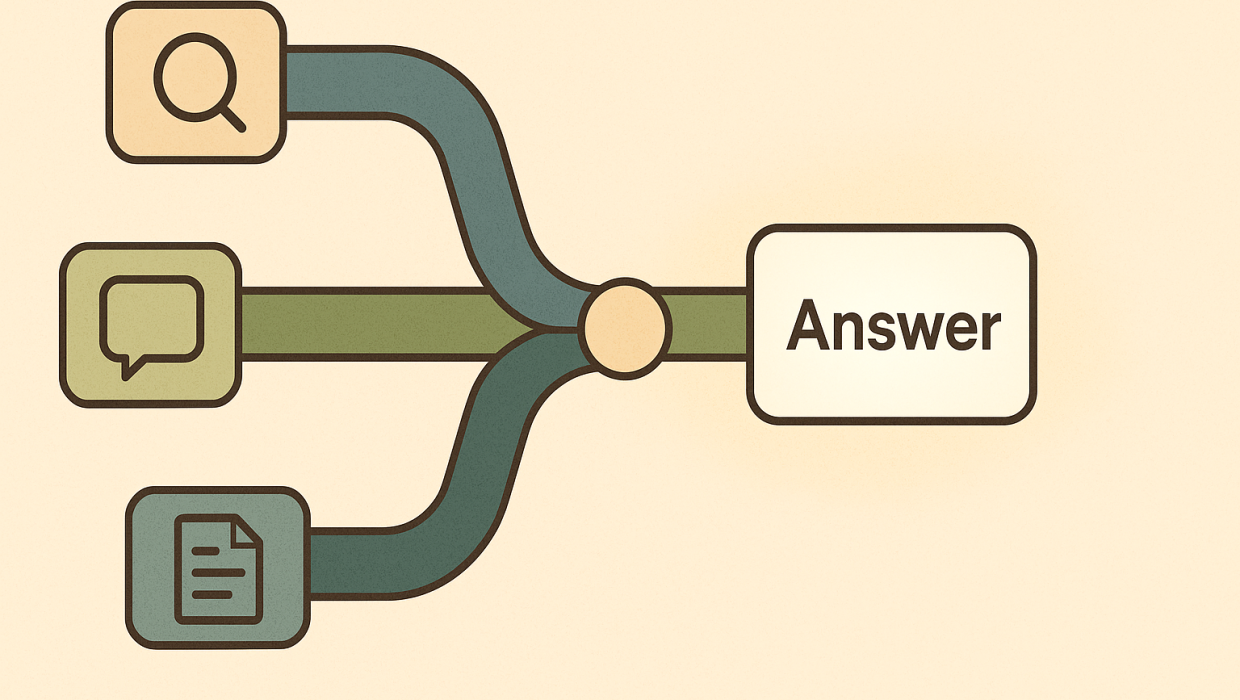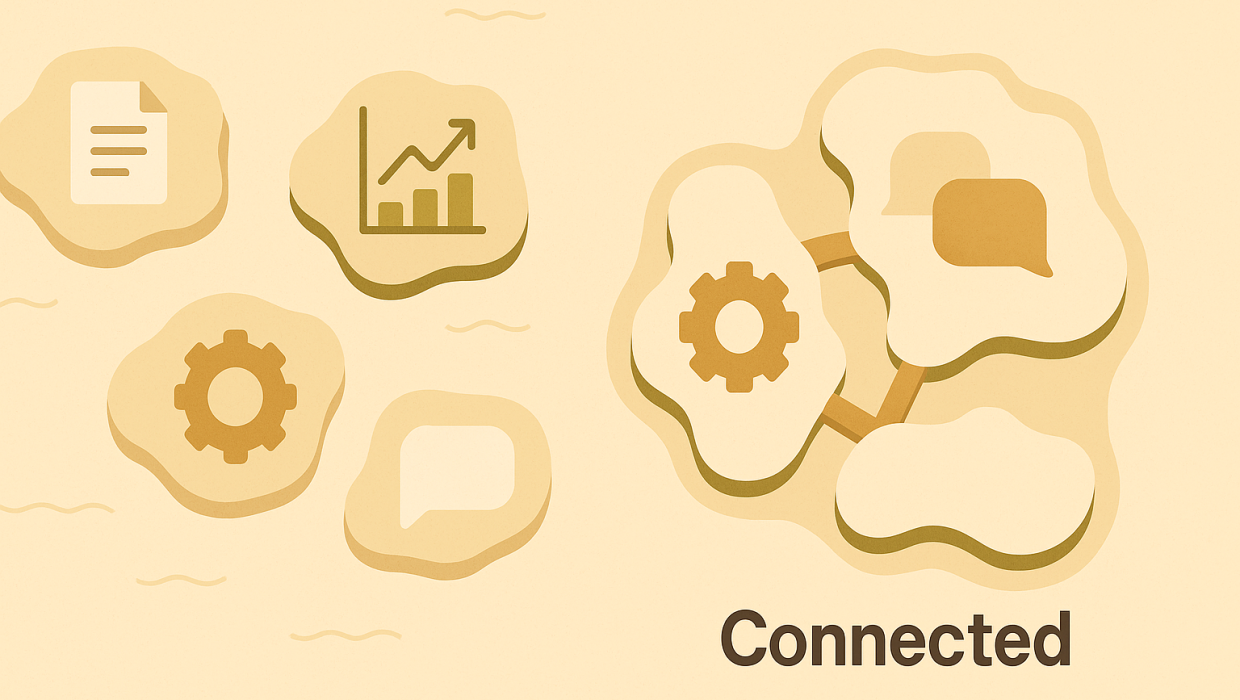
Most companies don’t have a collaboration problem because they lack tools. They have one because they have too many — each department running its own stack, each system speaking a different dialect, and each handoff between teams requiring someone to manually copy, reformat, or re-enter information that already exists somewhere else. This is the quiet tax on growth that rarely shows up on a P&L but shows up everywhere else: in missed deadlines, duplicated work, and decisions made on stale data. Custom software solutions exist precisely to solve this — not by adding another tool to the pile, but by building the connective tissue that lets existing systems, teams, and workflows actually work together.
For CTOs, marketing directors, and agency owners evaluating technology partners, the real question isn’t “which platform should we buy next.” It’s “why do our systems still not talk to each other, and what would it take to fix that properly.”
The Collaboration Problem Most Companies Don’t See
Walk into almost any mid-sized or enterprise organization and you’ll find the same pattern: a CRM that doesn’t sync with the project management tool, a finance system that requires manual exports to reconcile with sales data, and a marketing team building reports by hand because the analytics platform and the CRM were never meant to share information. Individually, each tool does its job well. Collectively, they create friction that nobody designed on purpose — it accumulated, department by department, purchase by purchase.
This friction is expensive in ways that are easy to underestimate. A sales rep who has to check three systems before responding to a client isn’t just slow — they’re a liability in a competitive deal. A marketing team that can’t see real-time campaign performance against actual revenue is optimizing blind. An operations lead who reconciles spreadsheets every Friday afternoon is spending senior judgment on clerical work. None of this is a people problem. It’s an architecture problem, and it’s the kind of problem generic software wasn’t built to solve.
Why Off-the-Shelf Tools Hit a Ceiling
Commercial platforms are built for the average customer, which means they’re built for nobody in particular. They solve the 80% of workflow that’s common across every business in a category and leave the remaining 20% — the part that actually reflects how your organization operates — as a patchwork of workarounds, spreadsheets, and manual processes bolted on afterward.
This is where a lot of well-intentioned software development strategies go wrong: teams buy a tool to fix a collaboration gap, discover it only covers part of the workflow, buy a second tool to cover the gap, and end up with more systems and more integration debt than they started with. The fix isn’t always “build everything custom” — sometimes the smartest move is integrating what you already own more intelligently. But when the core of how your business operates doesn’t map to any commercial product, custom development stops being a luxury and starts being the more cost-effective path.
What Custom Software Solutions Actually Solve
The value of purpose-built software isn’t that it’s custom for its own sake — it’s that it removes the translation layer between how your business actually operates and the tools your people use every day. A well-designed internal tool doesn’t ask a project manager to think in terms of another vendor’s data model; it reflects the actual sequence of approvals, handoffs, and decisions specific to that business.
This is the core of what we do through our custom software solutions practice: building internal tools, dashboards, and systems that fit the organization instead of asking the organization to fit the software. That might mean a unified client portal that pulls data from five backend systems into one view, a custom approval workflow that eliminates a dozen email threads, or an internal tool that gives a distributed team the same real-time picture of a project regardless of which department they sit in.
Diagnosis Before Build: Why Strategy Comes First
The single biggest mistake we see in enterprise technology projects is treating software development as a construction problem when it’s actually a diagnostic one. Teams jump straight to specifying features, screens, and integrations before anyone has rigorously mapped what’s actually breaking down and why.
We take the opposite approach. Before a single line of code gets written, we map the existing workflow end to end — where data originates, where it gets re-entered, where decisions stall, and where teams lose visibility into each other’s work. Custom-built collaboration software succeeds or fails based on how well it reflects the actual sequence of decisions a team makes — get that mapping wrong, and even the most elegant interface will get abandoned within a quarter. This diagnosis-first approach is slower at the outset, but it’s dramatically faster overall, because it prevents the single most common cause of failed software projects: building the wrong thing efficiently.
Custom-built collaboration software succeeds or fails based on how well it reflects the actual sequence of decisions a team makes — get that mapping wrong, and even the most elegant interface will get abandoned within a quarter.
Enterprise Software Integration as the Real Unlock
Collaboration rarely fails because a single tool is bad. It fails at the seams — the moment data has to move from one system to another and something gets lost, delayed, or duplicated in the process. This is why enterprise software integration is often the highest-leverage investment a company can make, even ahead of building anything entirely new.
Integration done well means your CRM, your finance system, your project tools, and your marketing stack all draw from the same underlying source of truth, updated in real time rather than reconciled manually at the end of the week. It means a lead captured through a marketing campaign flows automatically into sales pipelines without a manual export. It means an operations dashboard reflects what’s actually happening right now, not what happened three days ago when someone last updated a spreadsheet. Strong IT infrastructure and thoughtful integration architecture are what make this possible at scale, and it’s a discipline that pairs closely with the broader technology decisions an organization makes over time.
Business Collaboration Tools Built Around Real Workflows
Once systems are properly integrated, the collaboration layer on top of them can finally do its job. Good business collaboration tools aren’t generic chat windows or shared drives — they’re purpose-built interfaces that surface the right information to the right person at the right moment in a workflow. A sales director doesn’t need access to every field in the CRM; they need a dashboard that flags at-risk accounts before renewal conversations happen. A creative team doesn’t need a general project board; they need a review workflow that routes assets to the correct approver automatically based on client and campaign type.
We’ve seen this play out concretely across client engagements documented in our case studies, where custom-built internal tools replaced fragmented manual processes with a single coordinated system — often cutting reporting time from days to minutes and eliminating entire categories of email-based coordination. In several cases, the collaboration gains extended beyond internal teams into automation-driven workflows that removed repetitive coordination work entirely, freeing skilled staff to focus on judgment calls rather than data entry.
Where This Fits Into a Broader Technology Strategy
Custom software shouldn’t exist in isolation from the rest of a company’s digital infrastructure. A collaboration tool that improves internal handoffs but ignores how the public-facing side of the business runs — the website, the lead capture process, the marketing systems — only solves half the problem. Organizations that treat internal tooling and customer-facing systems as one connected strategy, rather than separate line items, tend to see compounding returns: better internal visibility feeds better customer experience, and better customer data feeds smarter internal prioritization.
This is also where software development strategies need to account for scale from day one. A tool that works for a twelve-person team can buckle under the weight of a two-hundred-person organization if the underlying architecture wasn’t built with growth in mind. Thinking through data structure, permissions, and integration points early — before the tool is in daily use across departments — prevents a costly rebuild eighteen months down the line.
Getting Started the Right Way
The organizations that get the most out of custom software aren’t necessarily the ones with the biggest budgets — they’re the ones that resist the urge to start with a feature list and start instead with an honest look at where collaboration actually breaks down. That diagnostic work, done properly, tends to reveal that the highest-impact fix is rarely the flashiest one. Sometimes it’s a single integration. Sometimes it’s one dashboard. Sometimes it’s a workflow redesign that makes an existing tool finally usable.
If your teams are losing hours to systems that don’t talk to each other, it’s worth having a direct conversation about what a properly diagnosed fix would actually look like — you can start a conversation with our team to walk through where the friction actually lives in your organization. From there, our software solutions team builds toward what your business genuinely needs, not what a generic roadmap says every company needs. The goal isn’t more software. It’s software that finally lets your teams work as one operation instead of several disconnected ones.
RELATED QUESTIONS
What are custom software solutions and how do they differ from off-the-shelf tools?
Custom software solutions are systems built specifically around how a particular business operates, rather than general-purpose platforms designed for the average user across an entire industry. Off-the-shelf tools cover common workflows well but often leave the unique 20% of a business’s process as a patchwork of manual workarounds, which is exactly the gap custom software is built to close.
How does custom software improve collaboration between departments?
Custom software improves collaboration by removing the manual handoffs that occur when disconnected systems can’t share data automatically. Instead of teams re-entering information across multiple tools or reconciling spreadsheets, a properly built system routes the right information to the right person at the right moment, based on how the organization actually makes decisions.
What does “diagnosis before build” mean in software development?
Diagnosis before build means mapping exactly where a workflow breaks down — where data gets re-entered, where decisions stall, and where visibility is lost — before writing any code or specifying any features. This approach prevents the most common cause of failed software projects, which is building an efficient solution to the wrong problem.
Why is enterprise software integration important for business collaboration?
Enterprise software integration matters because most collaboration failures happen at the seams between systems, not within any single tool. When a CRM, finance system, and marketing stack all draw from the same real-time source of truth instead of manual exports, teams make decisions on current information rather than data that’s already days old.
How do I know if my company needs custom software instead of buying another tool?
If your team is regularly working around a tool’s limitations with spreadsheets, manual exports, or duplicated data entry, that’s a strong signal that a commercial platform has hit its ceiling for your specific workflow. A proper diagnostic assessment of where friction actually occurs in your operations will usually reveal whether the fix is a smarter integration, a workflow redesign, or genuinely custom-built software.
Ready to Build Software That Connects Your Teams?
Start a conversation with Sapiens + Machines to discuss your goals, challenges, and next steps.