Most custom software fails for a boring reason: nobody asked the people who’d actually use it what they needed. Human-centric software design flips that script, starting every build with the humans in the loop instead of the features on a roadmap. For B2B leaders evaluating technology partners, this distinction isn’t academic — it’s the difference between a system that quietly transforms operations and one that quietly gets ignored.
The Hidden Cost of Software That Ignores Its Users
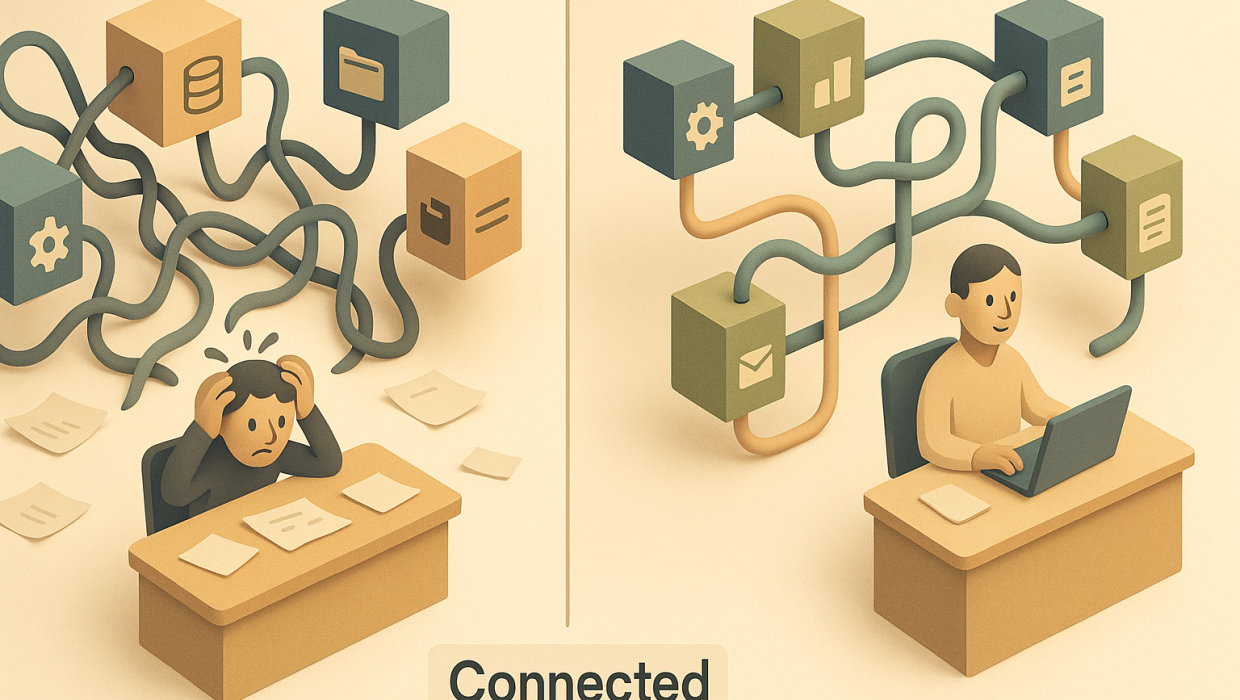
Walk into almost any mid-sized company and you’ll find at least one internal tool that everyone tolerates and nobody likes. It technically works. It was delivered on time and on budget. And it’s being routed around with spreadsheets, sticky notes, and Slack messages because it doesn’t fit how people actually do their jobs.
This is the quiet failure mode of enterprise software: not the dramatic project collapse, but the slow erosion of adoption. A CRM that sales reps update only because they’re forced to. A reporting dashboard nobody trusts enough to make decisions from. An approval workflow so cumbersome that people find a faster, informal path around it. Each of these represents real money spent on a system that isn’t earning its keep — and the root cause is almost always the same: the software was designed around a process diagram, not around the people executing that process.
What Human-Centric Software Design Actually Means
Human-centric software design is the practice of building systems around the judgment, habits, and real-world constraints of the people who will use them every day — rather than around an idealized workflow that only exists in a requirements document. It treats user experience design not as a cosmetic layer applied after the architecture is set, but as a core input into what gets built and how.
This matters especially in B2B technology, where the “user” is rarely a single persona. A custom operations tool might need to serve a field technician entering data on a phone, a manager reviewing exceptions on a desktop, and a finance lead pulling reports for board meetings — all from the same underlying system. Designing for humans means designing for that range of contexts, not just the average case.
It Starts With Diagnosis, Not Design
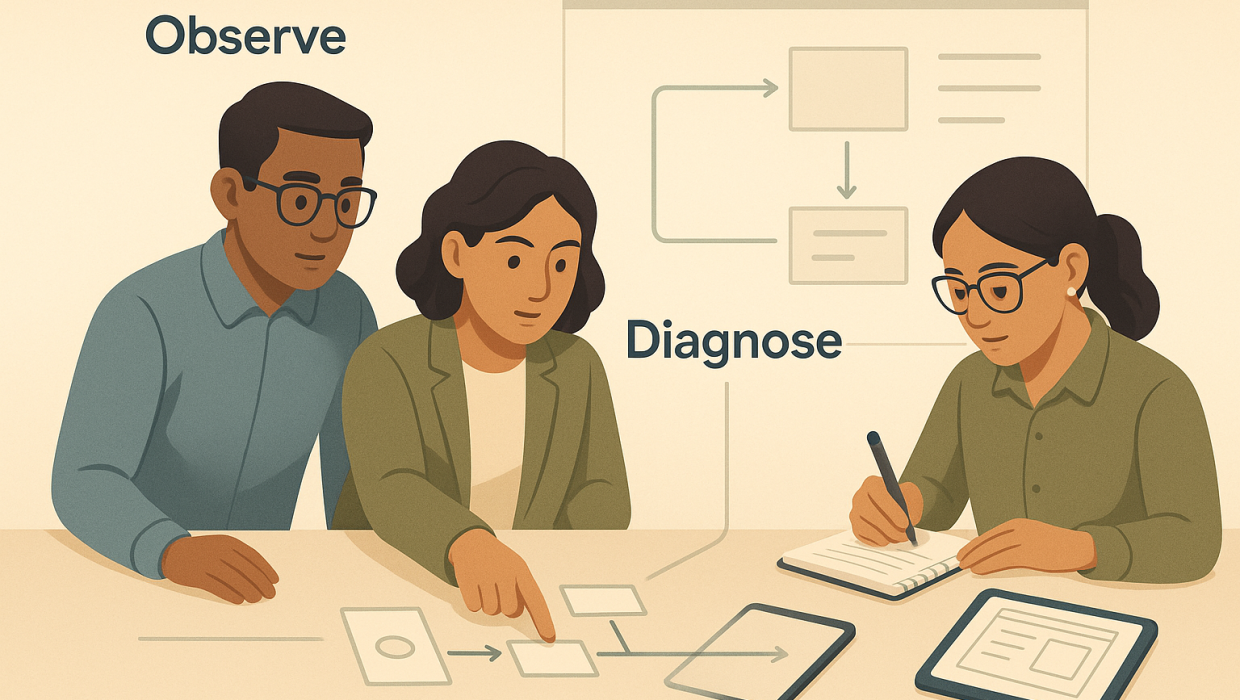
The teams that get this right resist the urge to jump straight into wireframes or technical specs. Instead, they start by understanding what’s actually broken: where people are improvising, where data gets re-entered manually, where trust in the system has quietly eroded. Only once that diagnosis is complete does the design work begin — because a beautifully designed interface built on a flawed understanding of the problem is still the wrong solution, just a better-looking version of it.
This is why our own custom software solutions work always begins with discovery before a single screen gets designed. We’ve seen too many projects where a technically impressive build solved a problem nobody actually had, simply because the diagnosis step got skipped in favor of getting to “yes” faster.
The Business Case for User Experience Design in B2B Tools
It’s tempting to treat user experience design as a nice-to-have for consumer apps and a lower priority for internal, B2B-facing systems. That’s a costly assumption. Internal tools have a captive audience, but captive doesn’t mean cooperative — employees will find workarounds for software that frustrates them, and those workarounds introduce errors, security gaps, and inconsistent data that undermine the very reporting and decision-making the system was meant to support.
Well-designed B2B software pays for itself in ways that are easy to underestimate up front:
- Faster onboarding for new hires, because the system reflects how people naturally think about their work
- Fewer support tickets and less reliance on a single “person who knows how the system works”
- Higher-quality data, because people actually use the tool as intended instead of logging things after the fact
- Better decisions, because the people closest to the work can trust and act on what the system tells them
None of this shows up neatly on a project budget line, but it shows up clearly in productivity metrics six months after launch.
Where Custom Software Solutions Go Wrong
Most failed builds don’t fail because of bad engineering. They fail because of an assumption problem. A common pattern: leadership identifies a process bottleneck, briefs a development team on the desired outcome, and the team builds exactly what was requested — a system that is technically correct and practically unusable, because the people doing the daily work were consulted late, or not at all.
Another common failure point is treating internal software the same way as customer-facing products, without the same design rigor. Companies will invest heavily in web development and customer experience for their external site, then hand internal tool development to whoever has bandwidth, with no UX involvement at all. The result is a two-tier culture: polished external systems and clunky internal ones — even though employees spend far more hours inside the internal tools than customers spend on the website.
Software works best when it sharpens human expertise rather than trying to substitute for it, especially in domains where context, nuance, and accountability matter.
The fix isn’t more documentation or more requirements-gathering meetings. It’s involving actual users earlier, watching how they work rather than just asking them to describe it, and treating their friction points as design requirements rather than training issues to be solved with a better manual.
Building Systems People Actually Want to Use
Good human-centric design shows up in details that are easy to overlook in a project plan but obvious to the people using the software every day: a form that pre-fills information the system already knows, a workflow that matches the order people naturally think through a task, an interface that surfaces the one piece of information someone needs right now instead of burying it in a dashboard of everything.
Augmenting Judgment, Not Replacing It
The best custom systems don’t try to make decisions for people — they make it easier for skilled people to make better decisions faster. A predictive scoring model that flags which leads deserve attention still needs a salesperson’s judgment to close the deal. An automated document processing system that extracts and organizes contract data still needs a human to catch the edge case the model wasn’t trained on. This is a deliberate design philosophy, not a limitation: software works best when it sharpens human expertise rather than trying to substitute for it, especially in domains where context, nuance, and accountability matter.
This philosophy shapes how we approach automation and AI-driven tools as much as it shapes traditional software builds. The goal is never to remove the person from the loop — it’s to give them better information, less repetitive work, and more time for the judgment calls only they can make.
A Practical Framework for Human-Centric Design
For B2B leaders evaluating a technology partner, a few questions can quickly separate genuine human-centric design practice from a design team that just talks about it:
Do they observe real workflows before proposing solutions? Interviews are useful, but watching someone actually do their job — including the workarounds and frustrations they’ve stopped mentioning because they’ve gotten used to them — reveals far more than a requirements interview alone.
Do they design for the range of users, not just the primary one? A system built only around the “power user” persona often fails everyone else who has to touch it occasionally.
Do they test with real users before full deployment? Prototypes and pilot rollouts catch friction points that are expensive to fix after a full build.
Do they treat adoption as a design metric, not just a training problem? If a system requires extensive training to be usable, that’s often a sign the design didn’t match how people actually think, not a sign that people need more instruction.
If you’re currently weighing whether an internal tool, a client-facing platform, or a legacy system overhaul needs this kind of rethink, it’s worth having that conversation before committing to a build. You can start a conversation with our team to talk through where the friction actually lives in your current systems — that diagnosis alone often reshapes what gets built next.
The ROI You Can Measure
Human-centric design isn’t just a values statement — it shows up in numbers CTOs and operations leaders actually track: reduced time-to-proficiency for new employees, fewer support tickets, higher data accuracy, and stronger adoption rates that justify the initial investment. It also tends to reduce long-term maintenance costs, because systems built around real usage patterns require fewer emergency fixes and workarounds down the line.
This is part of why our software solutions work is structured around a diagnosis-before-build methodology rather than a standard requirements-to-delivery pipeline. Understanding the actual humans in a workflow — their expertise, their constraints, their existing shortcuts — isn’t a soft add-on to a technical project. It’s the foundation that determines whether the eventual system gets used or gets quietly abandoned within a year. You can see how this plays out in practice across our case studies, where the common thread isn’t the technology stack — it’s the discovery process that shaped it.
Bringing It Together
Custom software, internal tools, and enterprise systems all share the same underlying truth: they’re only as good as the fit between the system and the people who have to live inside it every day. Human-centric software design isn’t an aesthetic preference or a UX department’s pet project — it’s a rigorous discipline that starts with understanding real work before writing a line of code, and it pays dividends in adoption, data quality, and decision-making long after launch. Companies that treat this as central to how they build — rather than an afterthought layered on at the end — end up with systems people trust enough to actually use.
RELATED QUESTIONS
What is human-centric software design?
Human-centric software design is an approach to building software that starts with understanding how the actual people using it think, work, and make decisions, rather than designing around an idealized process. It prioritizes real workflows, user judgment, and adoption over feature checklists, resulting in systems people trust and actually use.
Why do so many custom software projects fail to get adopted?
Most custom software projects fail not because of poor engineering but because the people who would actually use the system weren’t meaningfully involved in shaping it. When software is built from a requirements document instead of observed real-world workflows, it often creates friction that leads employees to build workarounds, undermining the tool’s purpose entirely.
How is human-centric design different from standard UX design?
Standard UX design often focuses on interface usability after core functionality has already been decided. Human-centric design goes further upstream, involving real users and their workflows during the diagnosis and planning stages, before architecture or interface decisions are made, so the system’s fundamental structure reflects how people actually work.
Does human-centric design apply to internal tools, or just customer-facing software?
It applies equally, and arguably more, to internal tools. Employees interact with internal systems for hours every day, and poor design there creates hidden costs like data errors, workarounds, and lost productivity — costs that often go untracked but are just as damaging as a poor customer-facing experience.
How does AI and automation fit into human-centric software design?
In a human-centric approach, AI and automation are used to augment human judgment rather than replace it — handling repetitive tasks or surfacing insights so people can make faster, better-informed decisions. The goal is to give skilled employees more time and better information, not to remove their expertise from the process.
Ready to Design Software Your Team Will Actually Use?
Start a conversation with Sapiens + Machines to discuss your goals, challenges, and next steps.