Most companies don’t have an IT infrastructure problem. They have an accumulation problem. A firewall added during a security scare. A cloud platform adopted because one team liked it. A ticketing system nobody fully migrated off of. None of these decisions were wrong in isolation — but stacked together over years, they form an environment that’s expensive to maintain and nearly impossible to troubleshoot quickly. That’s the case for integrated infrastructure solutions: not as a buzzword, but as a practical response to operational drag that’s often invisible until something breaks.
This article is a field guide to what integration actually means in practice, why fragmented IT quietly costs more than most leaders realize, and how to approach the work in a way that improves reliability without disrupting the business you’re trying to protect.
The Hidden Cost of Fragmented IT
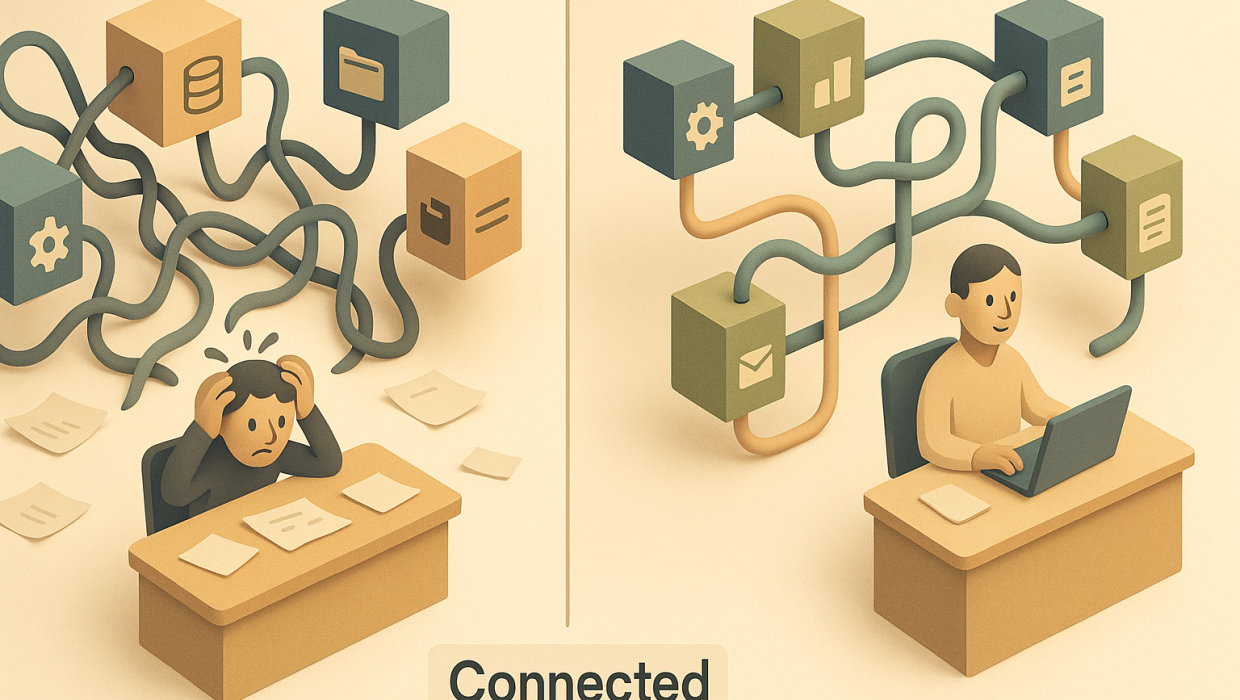
Fragmentation rarely announces itself. It shows up as a two-hour delay resolving a login issue because three systems don’t share authentication. It shows up as a security patch applied to one environment but forgotten in another. It shows up in the quiet frustration of an IT director who spends more time reconciling vendor dashboards than actually improving the network.
The financial cost is real, but the operational cost is worse: decision-making slows down because nobody has a single, trustworthy view of the environment. When infrastructure is disconnected, every incident becomes an investigation before it can become a fix. That’s the opposite of IT operations efficiency — and it’s exactly the problem integration is designed to solve.
What Integrated Infrastructure Solutions Actually Means
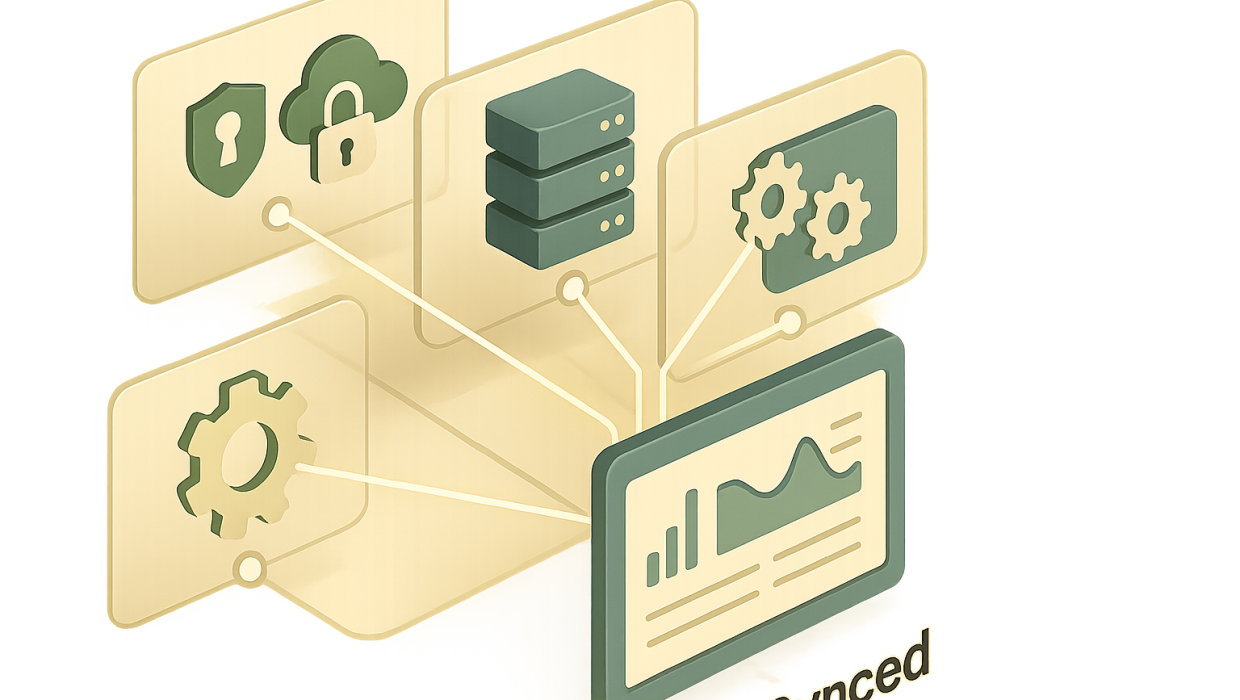
The term gets used loosely, so it’s worth being precise. Integrated infrastructure solutions bring networking, servers, storage, security, and cloud services together under a unified management approach — with shared visibility, consistent policies, and coordinated automation — instead of treating each layer as its own silo with its own tools and its own point of failure.
This doesn’t mean forcing everything onto a single vendor or platform. It means designing the connections between systems deliberately, so that a change in one place doesn’t create blind spots somewhere else. A well-integrated environment lets a single dashboard tell you what’s actually happening across your network, your cloud workloads, and your endpoint devices — rather than requiring someone to manually cross-reference five different consoles during an outage.
For companies evaluating a partner to help with this, our IT solutions team typically starts by mapping the existing environment before recommending a single change — because integration built on an incomplete picture just creates a more complicated mess.
Diagnosis Before Build: The Foundation of Managed IT Strategies
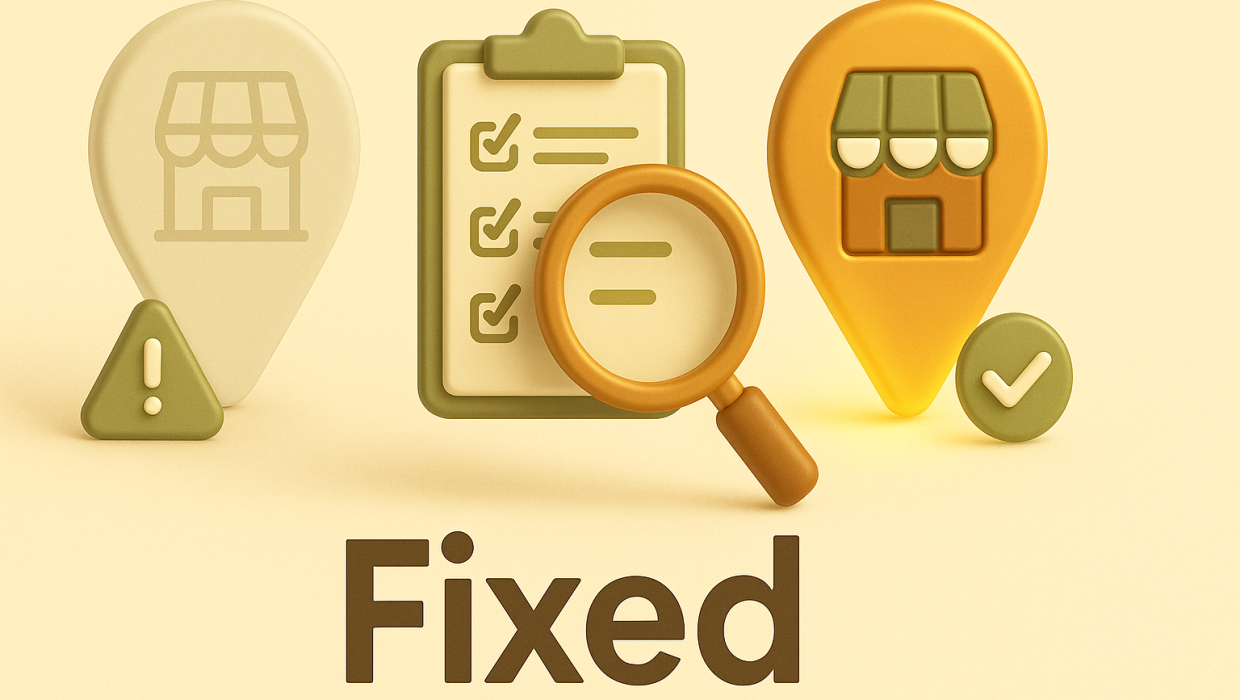
It’s tempting to jump straight to new tools. New platforms feel like progress. But the most durable managed IT strategies start with an honest audit of what’s already there — what’s redundant, what’s load-bearing, and what’s quietly at risk.
A proper diagnosis answers questions like: Where does data actually flow between systems? Which tools have overlapping functions that create confusion about ownership? Where are the manual workarounds that staff have built to compensate for systems that don’t talk to each other? These workarounds are often the clearest signal of where integration will have the biggest impact, because they represent time and judgment being spent on problems that better architecture should have solved.
Skipping this step is the single biggest reason infrastructure projects underdeliver. A new tool layered onto an undiagnosed environment doesn’t fix fragmentation — it just adds another system to the pile.
Building Blocks of Infrastructure Integration for Business
Once the diagnosis is complete, infrastructure integration for business typically comes together across a few consistent layers.
Network and Security Unification
Firewalls, VPNs, endpoint protection, and identity management need to operate from shared policy rather than separate configurations maintained by different teams or vendors. This is where single sign-on, centralized access controls, and unified monitoring pay off — not just in convenience, but in the speed of detecting and containing a threat before it spreads.
Cloud and On-Premise Harmonization
Very few companies are fully cloud-native or fully on-premise, and that’s fine — but the two environments need to be treated as one system, not two. Data synchronization, backup strategy, and disaster recovery planning all have to account for both sides working together, especially as more critical workloads move to hybrid setups.
The Automation and Tooling Layer
This is where integrated infrastructure starts compounding in value. Once systems are connected and visible from a single pane, routine tasks — patch management, backup verification, license audits — can be automated with confidence, because the automation is acting on accurate, real-time data rather than a partial or stale view. This is also where infrastructure work starts to overlap meaningfully with automation strategy more broadly, since much of what makes automation trustworthy is the quality of the infrastructure underneath it.
Measuring IT Operations Efficiency Gains
Integration only matters if it produces measurable outcomes. The companies that get this right track a few specific indicators before and after the work: mean time to resolution on support tickets, the number of tools required to diagnose a typical incident, patch compliance rates across the full environment, and the percentage of infrastructure changes that require manual, cross-team coordination.
When those numbers improve, IT stops being a reactive cost center and starts operating as a predictable, governable system — one where leadership can actually forecast capacity needs and budget with confidence instead of bracing for the next surprise outage. That shift, more than any specific tool or platform, is the real payoff of integration.
When those numbers improve, IT stops being a reactive cost center and starts operating as a predictable, governable system
It’s also worth noting that infrastructure improvements often surface adjacent opportunities. Teams that integrate their environment frequently discover custom internal tools or manual processes that are ripe for replacement — which is where custom software work tends to enter the conversation naturally, once the underlying foundation is stable enough to build on.
Common Pitfalls to Avoid
A few patterns show up repeatedly in infrastructure projects that stall or underdeliver:
Treating integration as a one-time project. Infrastructure isn’t static — new tools, new hires, and new vendors keep entering the picture. Integration needs governance, not just a launch date.
Chasing the newest platform instead of the right fit. The best infrastructure decisions are boring and durable. Flashy new tools that don’t integrate cleanly with existing systems often create more fragmentation than they solve.
Underestimating the human side. Staff have built habits and workarounds around the current environment. A technically sound integration that ignores how people actually work will get quietly undermined the moment IT looks away.
Skipping the documentation. An integrated environment that only one person understands isn’t actually integrated — it’s just centralized risk. Clear documentation and cross-trained staff are part of the deliverable, not an afterthought.
Where to Start
If your environment has grown organically over the past several years — through acquisitions, remote work shifts, or simply adding tools as needs arose — there’s a strong chance you’re paying an invisible tax in the form of slower resolution times, duplicated effort, and security gaps that only surface during an incident. The fix isn’t necessarily a full rebuild. Often it’s a focused diagnosis that identifies the two or three highest-impact integration points and addresses those first.
Our managed IT and infrastructure team approaches every engagement this way — diagnosis first, so that whatever gets built actually fits the business it’s meant to serve. If you’re weighing whether now is the right time to tackle this, it’s worth looking at how we’ve approached similar work in our case studies, or exploring the broader technology philosophy that shapes how we evaluate infrastructure decisions.
Either way, the conversation is worth having before the next outage forces it. You can start a conversation with our team whenever you’re ready to look under the hood.
RELATED QUESTIONS
What are integrated infrastructure solutions?
Integrated infrastructure solutions bring networking, cloud services, security, and storage together under a unified management approach with shared visibility and consistent policies, instead of managing each system separately with its own tools. This reduces blind spots, speeds up troubleshooting, and makes IT operations easier to govern and forecast.
Why is fragmented IT infrastructure a problem for businesses?
Fragmented IT infrastructure creates blind spots because different systems don’t share visibility, which means every incident requires an investigation before it can even be diagnosed. Over time this slows down resolution times, increases security risk from inconsistent patching, and forces IT staff to spend time reconciling tools instead of improving the business.
How do you measure IT operations efficiency after an infrastructure upgrade?
Key indicators include mean time to resolution on support tickets, the number of separate tools needed to diagnose a typical incident, patch compliance rates across the full environment, and how often infrastructure changes require manual cross-team coordination. Improvement in these metrics signals that IT has shifted from reactive firefighting to a predictable, governable system.
Should a business rebuild its entire IT infrastructure or integrate what it already has?
Most businesses don’t need a full rebuild — they need a focused diagnosis to identify the two or three highest-impact integration points in their existing environment. Starting with an honest audit of current systems, redundancies, and manual workarounds almost always reveals a more cost-effective path than starting from scratch.
What is the “diagnosis before build” approach to IT infrastructure?
Diagnosis before build means thoroughly auditing an existing IT environment — mapping data flow, identifying redundant tools, and surfacing manual workarounds — before recommending any new platform or system. This approach prevents companies from layering new technology onto an already fragmented environment, which typically adds complexity rather than solving it.
Ready to Untangle Your IT Stack?
Start a conversation with Sapiens + Machines to discuss your goals, challenges, and next steps.