Every growing B2B company eventually hits the same wall: a new CRM, a payment processor, an AI tool, or a partner platform needs to talk to the website — and the website isn’t ready. What should be a two-week project turns into a two-month scramble of broken data, stalled launches, and late-night calls with developers trying to patch a system that was never built to flex. API integration has quietly become one of the most reliable stress tests of whether a website was actually engineered for growth or simply assembled to look finished.
This isn’t a niche technical concern anymore. As B2B companies stitch together CRMs, marketing automation platforms, payment gateways, AI tools, and internal systems, the website sits at the center of an increasingly complex data ecosystem. The question isn’t whether you’ll need to integrate something new — it’s whether your site can absorb that change without breaking.
Why API Integration Has Become the Real Test of Website Architecture
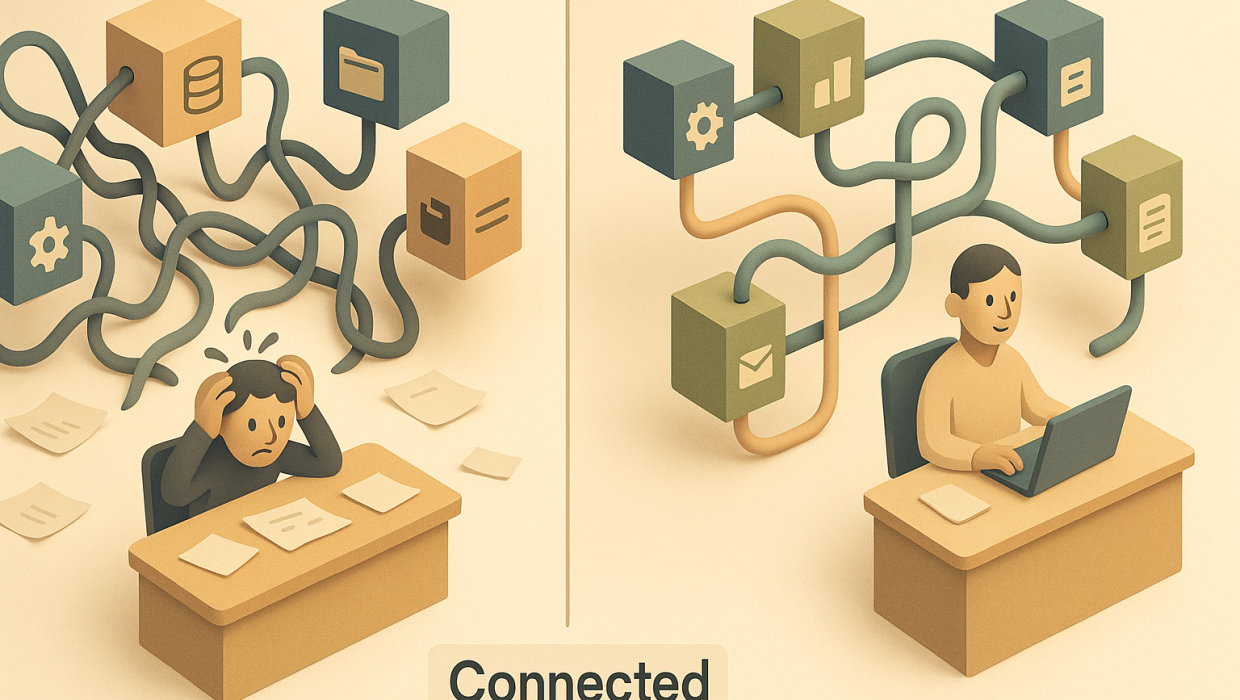
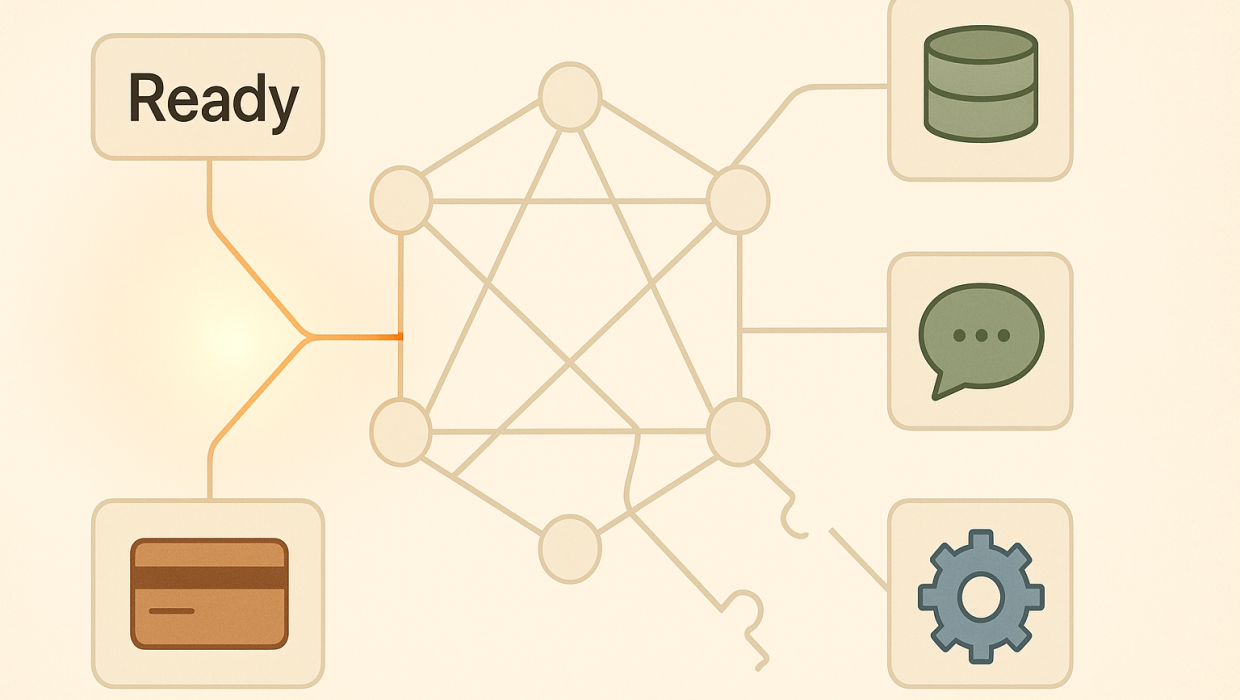
A decade ago, most business websites were relatively self-contained. Today, they’re connective tissue — pulling inventory data from an ERP, pushing leads into a CRM, syncing content with a headless CMS, authenticating users against an identity provider, and feeding analytics into three different dashboards simultaneously. Each of those connections is an API integration, and each one is a point where things can go right or go very wrong.
The companies that handle this well share a common trait: they treat their website as living infrastructure, not a finished product. The companies that struggle almost always built their site as a static asset first and are now trying to retrofit connectivity onto a structure that was never designed for it.
The Hidden Cost of “It Works for Now”
Plenty of websites “work” right up until the moment they need to integrate with something new. Then the cracks show — hardcoded values where dynamic data should live, no clear versioning strategy, authentication handled inconsistently across pages, or a content management system that treats every API call as a special case rather than a standard practice. None of this is visible to a site visitor. All of it is expensive to a business trying to move fast.
Common API Integration Challenges That Catch Teams Off Guard
Even well-resourced teams get surprised by the same handful of issues. Recognizing them early is the difference between a smooth rollout and a quarter lost to firefighting.
Authentication and Rate Limits
Modern APIs almost universally require token-based authentication, and many enforce rate limits that cap how many requests you can make in a given window. Teams that built their site without anticipating this often discover the hard way that a marketing campaign spike or a batch data sync can silently throttle or lock out their integration entirely.
Data Model Mismatches
Your website’s internal data structure and a third-party platform’s data structure were designed by different people, at different times, for different purposes. Field names don’t match. Date formats differ. One system treats a “lead” as an individual, another treats it as a company record. These mismatches are rarely dramatic — they’re just persistent friction that eats developer time and introduces quiet data errors that compound over months.
Legacy Systems Meet Modern APIs
Many B2B organizations are integrating brand-new tools with systems that are ten or fifteen years old. Older platforms often expose limited or poorly documented APIs, forcing custom middleware just to make the connection viable. This is where a lot of integration budgets quietly balloon — not because the new tool is complicated, but because the old system was never built to be asked these kinds of questions.
Diagnosis Before Build: The Right Way to Prepare
The instinct when facing an integration challenge is to jump straight to the technical fix — find a developer, write the connector, ship it. That instinct is usually what causes the next problem. Before any code gets written, the more useful question is diagnostic: What does this integration actually need to accomplish for the business? What data has to move, in which direction, on what schedule, and with what tolerance for delay or error?
This is the same discipline we apply to every website design and development engagement — understanding the real technical and business requirements before committing to an architecture. An integration built to satisfy a vague request (“connect the CRM to the site”) behaves very differently from one built to satisfy a precise one (“sync qualified leads from the site’s contact forms into the CRM within five minutes, mapped to existing account records, without creating duplicates”). The second version is buildable, testable, and maintainable. The first version is a guess.
Diagnosis also means auditing what’s already there. Many integration problems aren’t really API integration problems — they’re symptoms of deeper issues in IT infrastructure or data governance that the integration project simply exposes. A website that can’t cleanly integrate with a new payment processor often can’t cleanly integrate with anything, because the underlying data layer was never structured for it.
What a Truly Integration-Ready Website Looks Like
An integration-ready site isn’t defined by having more features — it’s defined by having the right underlying structure. A few markers separate sites that are genuinely prepared from those that only look prepared:
Clean, documented data models. Every field, object, and relationship in the site’s backend has a clear definition, so mapping to an external system is a matter of translation, not archaeology.
Modular architecture. Functionality is broken into components that can be updated or replaced independently, rather than one monolithic codebase where touching one feature risks breaking three others.
Consistent authentication handling. Security and access tokens are managed centrally rather than bolted on per-integration, which matters enormously as the number of connected systems grows.
Built-in monitoring and error handling. When an API call fails — and eventually, one will — the system should log it, alert someone, and fail gracefully rather than silently dropping data.
This is the level of thinking we bring to every technical build we take on, because a site that’s genuinely ready for integration saves a client months of pain the first time a new system needs to connect to it — and it’s dramatically cheaper to build this way from the start than to retrofit it later.
Where AI and Automation Fit Into the Integration Picture
A growing share of the API integration requests we see now involve connecting a website to AI-driven tools — chat interfaces, predictive lead scoring, content generation pipelines, or automated workflows that trigger based on user behavior. These integrations raise the stakes because AI tools are often more sensitive to data quality than traditional software. A poorly structured data feed won’t just cause a display bug; it can quietly degrade the accuracy of a scoring model or produce nonsensical automated responses to real customers.
This is where AI and automation work has to be planned in tandem with the underlying web architecture, not layered on top of it as an afterthought. The technology should extend human judgment and decision-making, not obscure it behind a black box that nobody on the team fully understands or can troubleshoot when something goes wrong.
The Business Case for Getting This Right
For CTOs and marketing directors evaluating a technology partner, the API integration question is really a proxy for a bigger one: does this partner build things that last, or things that need to be rebuilt every eighteen months? A well-architected site with a thoughtful integration strategy compounds in value — every new tool connects faster and cheaper than the last. A poorly architected one compounds in cost, with each new integration harder and riskier than the one before it.
The financial argument is straightforward. A rushed integration might cost less upfront but tends to generate ongoing maintenance costs, data cleanup work, and opportunity cost from delayed launches. A properly diagnosed and architected integration costs more at the outset and less over the life of the system — which is the calculation that matters for a growing B2B company planning its technology roadmap two or three years out, not two or three months.
We’ve seen this play out directly with clients across different industries — you can see how integration challenges get solved in practice in our case studies, where the pattern repeats: the projects that went smoothly were the ones where architecture and data structure were addressed before a single line of integration code was written.
Getting Started
If you’re staring down a major integration — a new CRM, a payment system overhaul, an AI tool rollout, or a partner API that your business now depends on — the worst move is treating it as a purely technical task to hand off and forget. It’s a strategic decision about how your business’s systems will talk to each other for years to come.
The best time to evaluate whether your site is ready is before the integration deadline is looming, not after something breaks in production. If you’re not sure where your site stands, that’s a conversation worth having now rather than during a crisis. You can start a conversation with our team to walk through what your next integration actually requires — before you commit budget or timeline to a build that might not hold up.
Websites that are prepared for their next API integration challenge aren’t lucky. They were built by people who asked the right questions first.
Websites that are prepared for their next API integration challenge aren’t lucky. They were built by people who asked the right questions first.
RELATED QUESTIONS
What is API integration and why does it matter for a website?
API integration is the process of connecting your website to external systems — like a CRM, payment processor, or AI tool — so data can flow between them automatically. It matters because most modern B2B websites depend on multiple connected platforms to function, and a poorly integrated site leads to broken data, delayed launches, and ongoing maintenance headaches.
How do I know if my website is ready for a new API integration?
A website is ready if it has clean, documented data models, modular architecture, centralized authentication handling, and built-in error monitoring. If your team regularly finds hardcoded values, inconsistent data formats, or no clear plan for handling failed API calls, those are signs your site needs architectural work before the next integration.
What are the most common API integration challenges businesses face?
The most common challenges are authentication and rate-limit issues, data model mismatches between systems, and legacy platforms that expose limited or poorly documented APIs. Each of these can turn a simple integration into a costly, drawn-out project if they aren’t identified early through proper technical diagnosis.
Should I fix integration problems myself or hire a technical partner?
Simple, well-documented integrations can often be handled internally if your team has the bandwidth and expertise, but complex integrations involving legacy systems, AI tools, or sensitive data are worth bringing in a partner for. A partner who diagnoses the underlying architecture first — rather than just writing a quick connector — will save significant cost and rework down the line.
How does AI integration change the API integration equation?
AI tools tend to be more sensitive to data quality than traditional software, so a messy or inconsistent data feed can quietly degrade the accuracy of AI-driven features like predictive scoring or automated chat responses. This means AI integrations need to be planned alongside your core website architecture from the start, not added on afterward as a separate layer.
Ready to Stress-Test Your Website Before Your Next Integration?
Start a conversation with Sapiens + Machines to discuss your goals, challenges, and next steps.